



GRAPHCAD converter 3D® est la solution Vetigraph pour la mise à plat des gabarits 2D constitutifs d’un fichier 3D. Converter 3D vous permet de créer vos gabarits de découpe 2D en fonction de votre forme 3D pour le prototypage afin de réduire de manière conséquente le délai de réalisation et les coûts tout en conservant une forme originale absolument identique à votre conception 3D.
Utilisant un procédé exclusif de dépliage – respectant les caractéristiques physiques des matériaux – validé par les industriels, GRAPHCAD Converter 3D® construit des gabarits 2D précis, à partir de formes 3D.
Un nouvel algorithme optimisé permet le dépliage de surface composées de plus de 100 000 triangles.
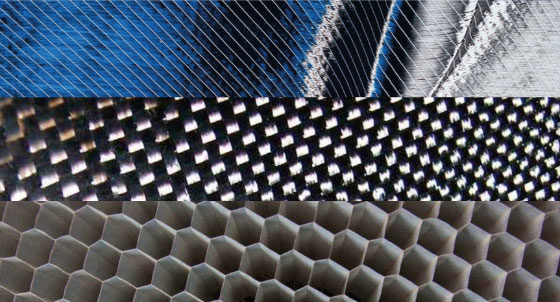
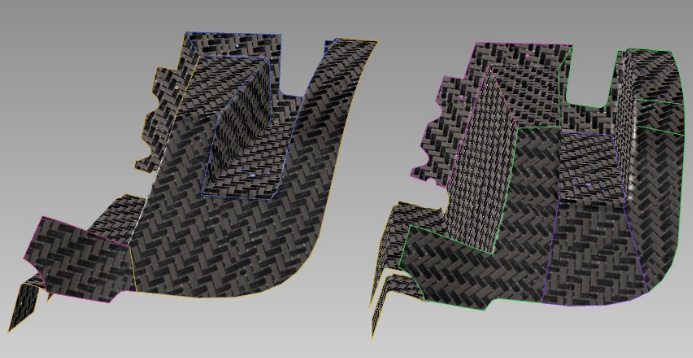
Composite
Démonstration de mise à plat de produit en composite
Sellerie
Démonstration de mise à plat de mousse de siège scannée pour la création des garabits.